
BIG GAME.BIG CARDENERGY.
For the player you came to watch. Keep their basketball stats, celebrate the big moments, and turn the game into a card worth sharing.
In private testing · For iPhone and iPad
No league setup. No app account. Just their game.

PUT THEIR GAME
IN THE SPOTLIGHT.
A big night. The full stat line. A whole season of progress. Here’s what you can make from the games you track.
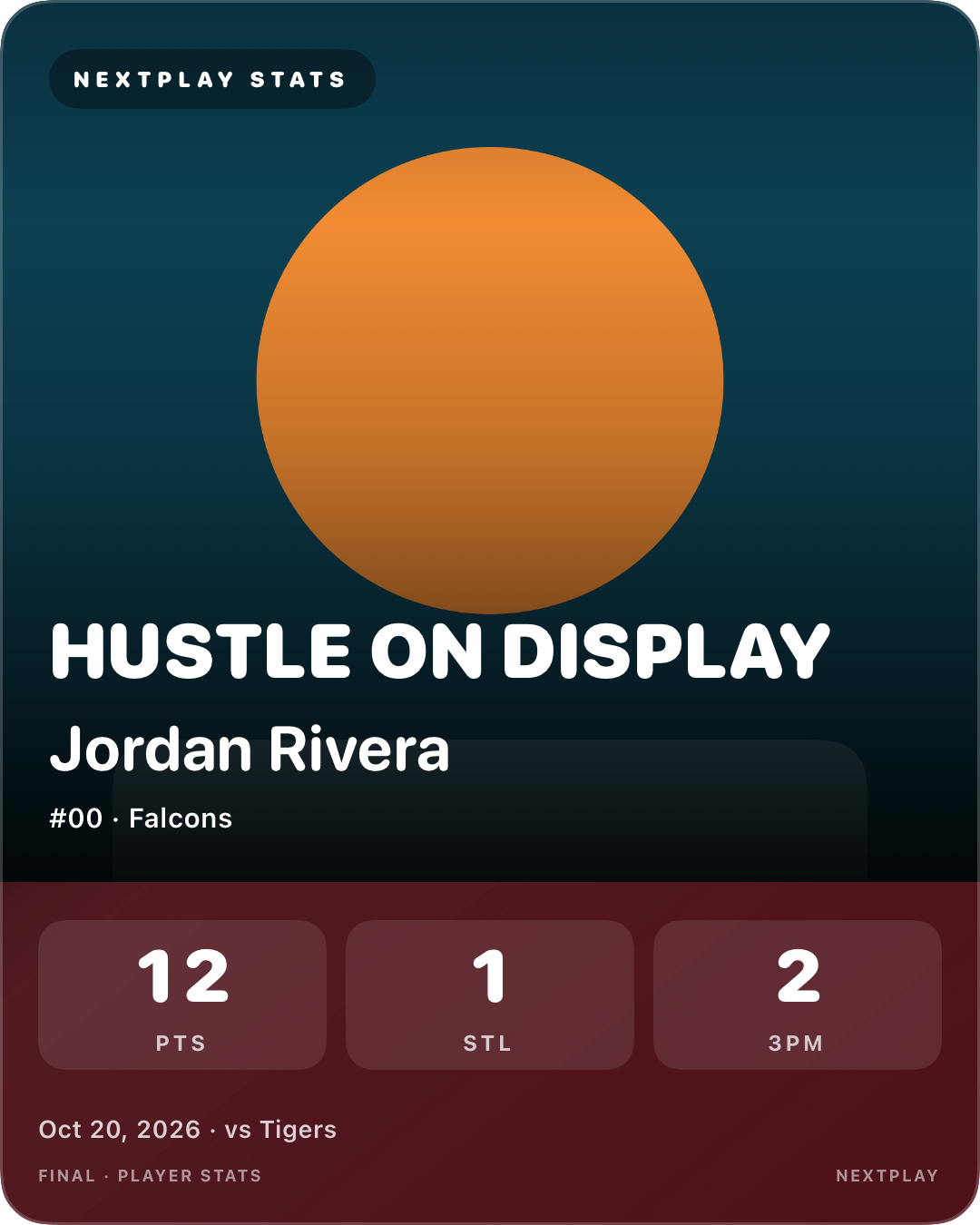
Game Highlight
The standout moment, front and center.
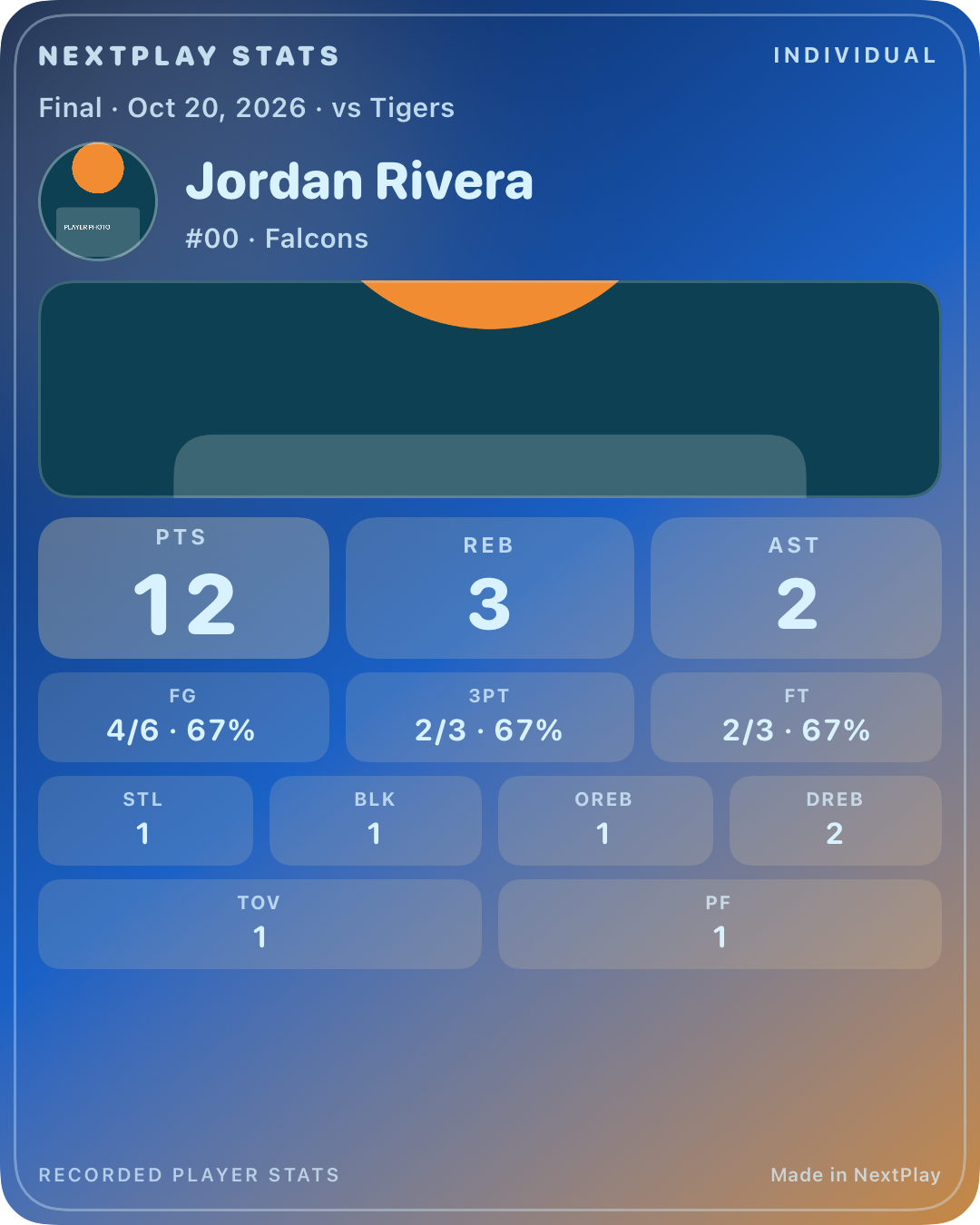
Individual Box Score
Every recorded stat gets its spot.
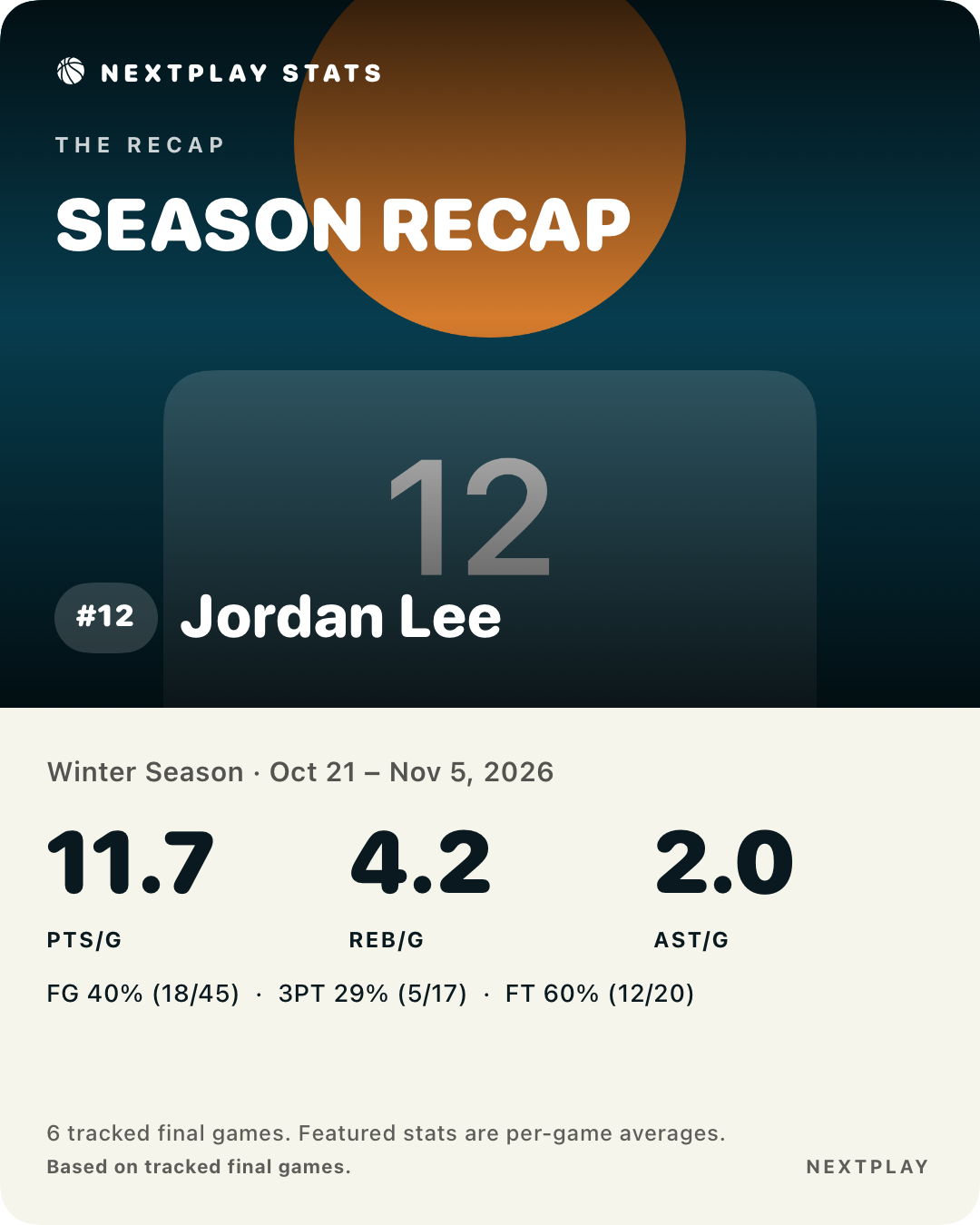
Season Recap
A season’s progress, ready to share.
Actual app card samples with fictional players, demonstration stats, and illustrated photo placeholders. The hero above is a separate website card concept.
MORE GAME.
LESS SETUP.
CATCH THE PLAY.
Tap shots, rebounds, assists, steals, blocks, turnovers, and fouls. Fix a mistake or resume a saved game without starting over.
One player · Direct scoring · Quick correctionsGIVE IT SOME STYLE.
Choose a template. Add their photo, a headline, and the stats you want to feature. Export a PNG for Instagram, Facebook, X, or the family group chat.
Your photo · Your headline · Your momentSEE THE GROWTH.
Group games by season or tournament. Review averages, shooting, trends, and recorded personal bests. Turn those saved games into recap and milestone cards.
Season views · Recorded milestones · Recap cardsTRACK IT. FRAME IT.
SHARE IT.
PICK YOUR PLAYER.
Add a name and jersey number. A photo and team label are optional.
FOLLOW THE ACTION.
Track one player’s plays during the game. Make corrections when you need them.
MAKE THE CARD.
Review the game, choose a design, then save or share the finished image.
A FEW MORE
MOVES IN THE BAG.
Full or partial game review. Missed plays added later. Reusable card styles, saved favorites, recoverable history, backup reminders, and a practice walkthrough.
Optional photo background removal runs on the device. Real-photo quality and performance are still being tested.
This page previews the app in development. Features may vary by test build.
GOOD QUESTIONS.
STRAIGHT ANSWERS.
A few things to know before tip-off.
Do I need a league account?
No. Player profiles, scoring, and cards work in the app without a league or app login.
Can I track more than one child?
You can keep multiple player profiles. The scoring experience focuses on one player per game.
Can I fix a mistake?
Yes. Correct recent or earlier plays while preserving the rest of the game’s history.
What if I only watched part of a game?
The development build lets you label the game Partial. Partial games are labeled and left out of default averages.
Does it post automatically?
No. You choose when and where to share through the iOS share sheet, or save the PNG for later.
Does it sync between devices?
Automatic sync is not included. Manual backup and restore supports moving saved history between installations.
Where can I download it?
NextPlay Stats is currently in private testing for iPhone and iPad. A public download is not available yet.
THEIR GAME.
YOUR DEVICE.
Your player profiles, recorded games, photos, and card designs are stored on your device. The current app has no account system, analytics service, or automatic cloud sync. Sharing and backup exports happen when you choose them.
Backup files contain player details and photos and are not encrypted by the app. Choose their storage location carefully.
This summary describes the app’s data handling.